Handle Appointments from Emails and Calls
Many appointments are embedded in text: "Does Thursday at 10 AM at our office in Vienna work for you?" AI extracts the date, time, and location, presents them for your review, and then schedules the appointment. On the phone, an AI assistant books directly into available slots.
Online Booking Without Back-and-Forth
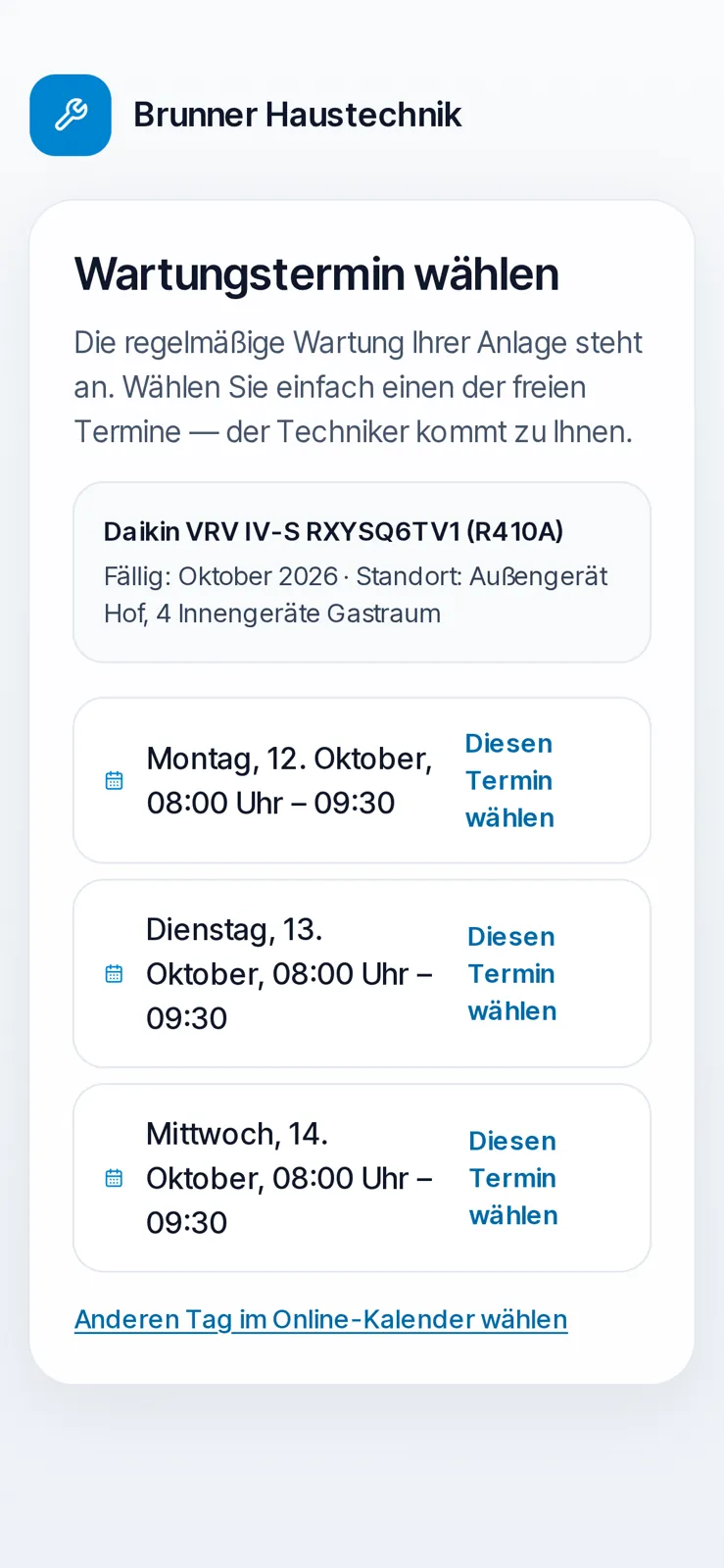
Booking pages show customers only actual free times from your calendar. Booked appointments are immediately assigned to the correct employee, and confirmations and reminders are sent automatically.
Three Pitfalls to Watch Out For
Calendar AI rarely fails due to intelligence, but rather due to details:
- Time Zones: Appointments must be in the company's or person's time zone, not the server's.
- Privacy: Personal appointments must not be visible to colleagues, even through AI.
- Duplicate Entries: A second click must not create a second appointment.
Who Does What?
AIRIS Prepares
- Appointment from Email: AIRIS extracts the date, time, and location from the email. You review, and a tap adds the appointment privately to your calendar.
- DivineCalendar: Personal and shared appointments, booking pages, reminders, and integration with Google and Outlook calendars.
- Appointments by Phone: DivineCall books callers directly into available time slots.
- Meetings with Transcripts: DivineMeet for video appointments, with transcripts and summaries, if everyone agrees.
You Decide
- Briefly review extracted appointments before entering them, especially the date and location.
- Send invitations to external parties only if you wish.
- You determine who can see which calendar.